Hair salons and barbers
Book haircuts, colouring and styling appointments.
Your customers book in a few taps, any time of day. You see every booking, your team and your clients in one place.
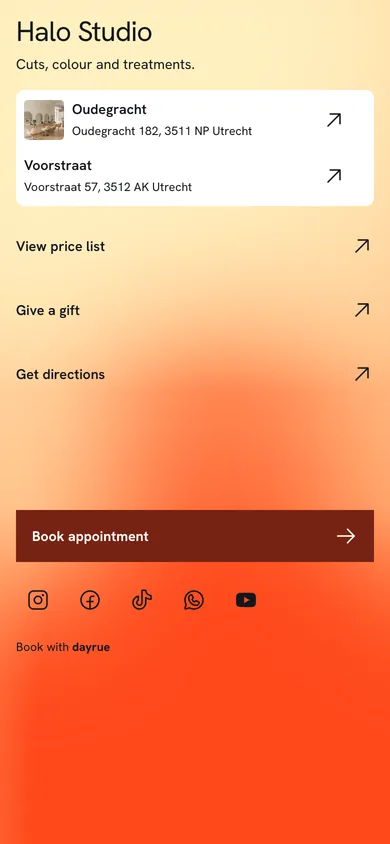
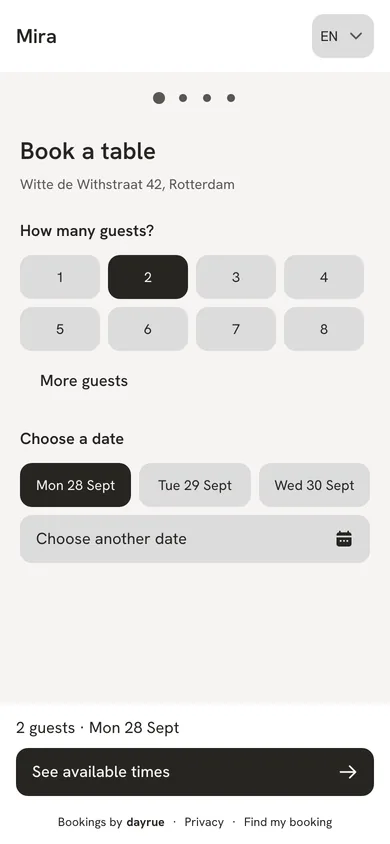
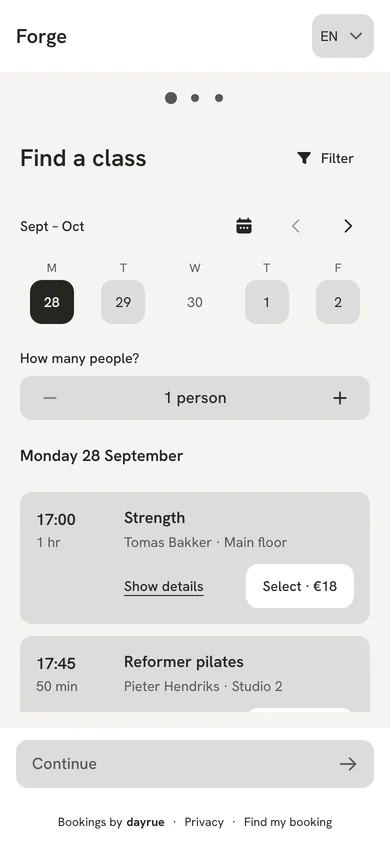
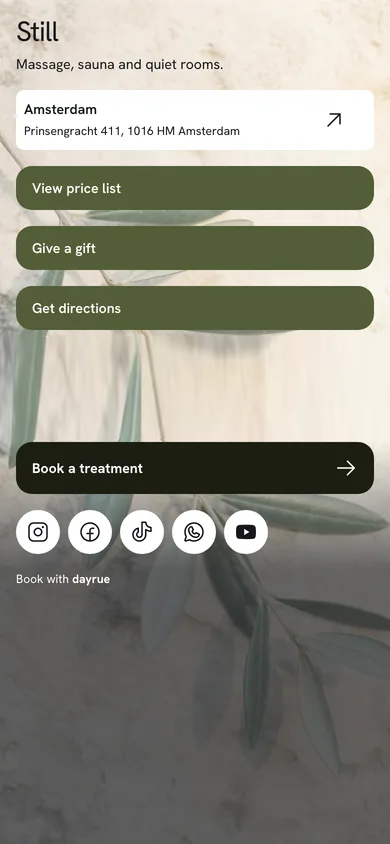
Customers choose a service and an available time, then confirm their visit on your booking page.


Book haircuts, colouring and styling appointments.
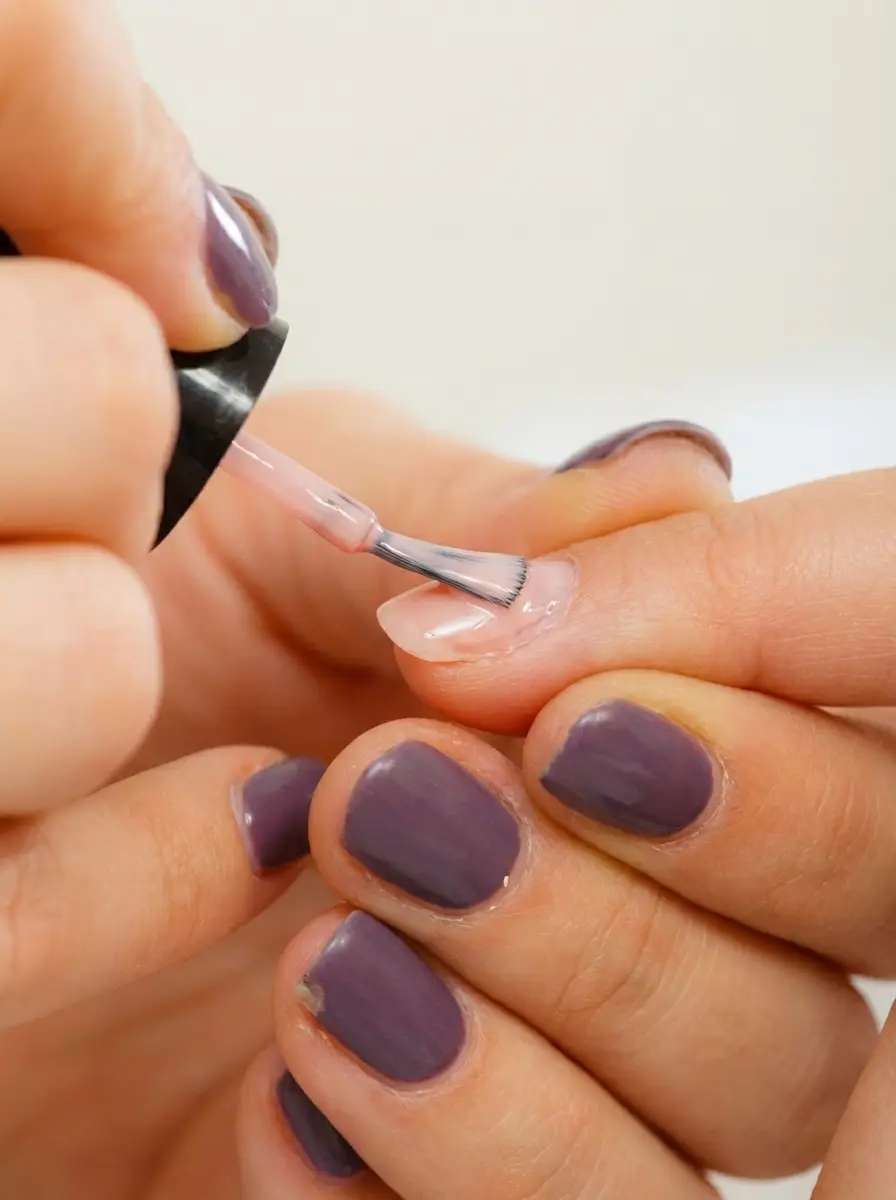
Schedule manicures, nail care and beauty treatments.
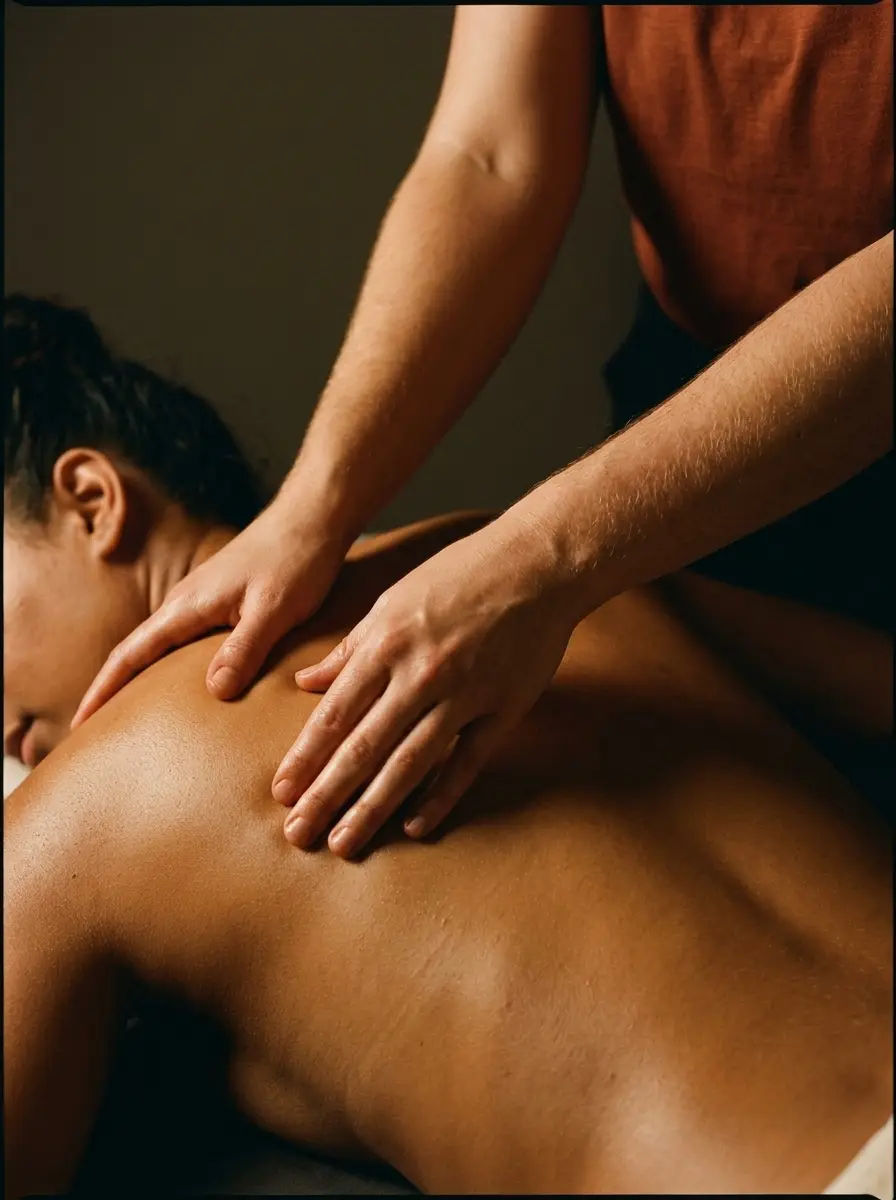
Manage massage and treatment appointments.

Take bookings for studio classes and sessions.

Schedule training sessions and fitness classes.

Take table bookings and manage guest arrivals.


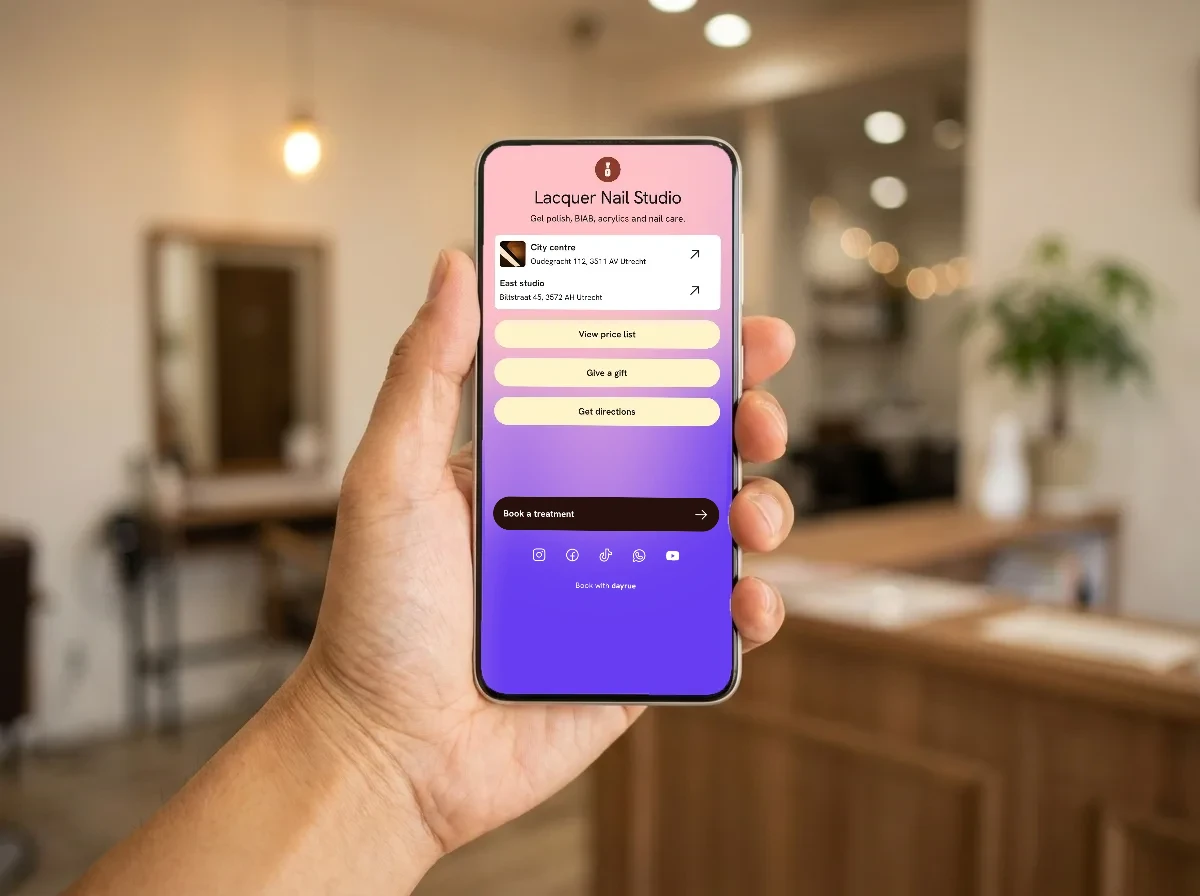

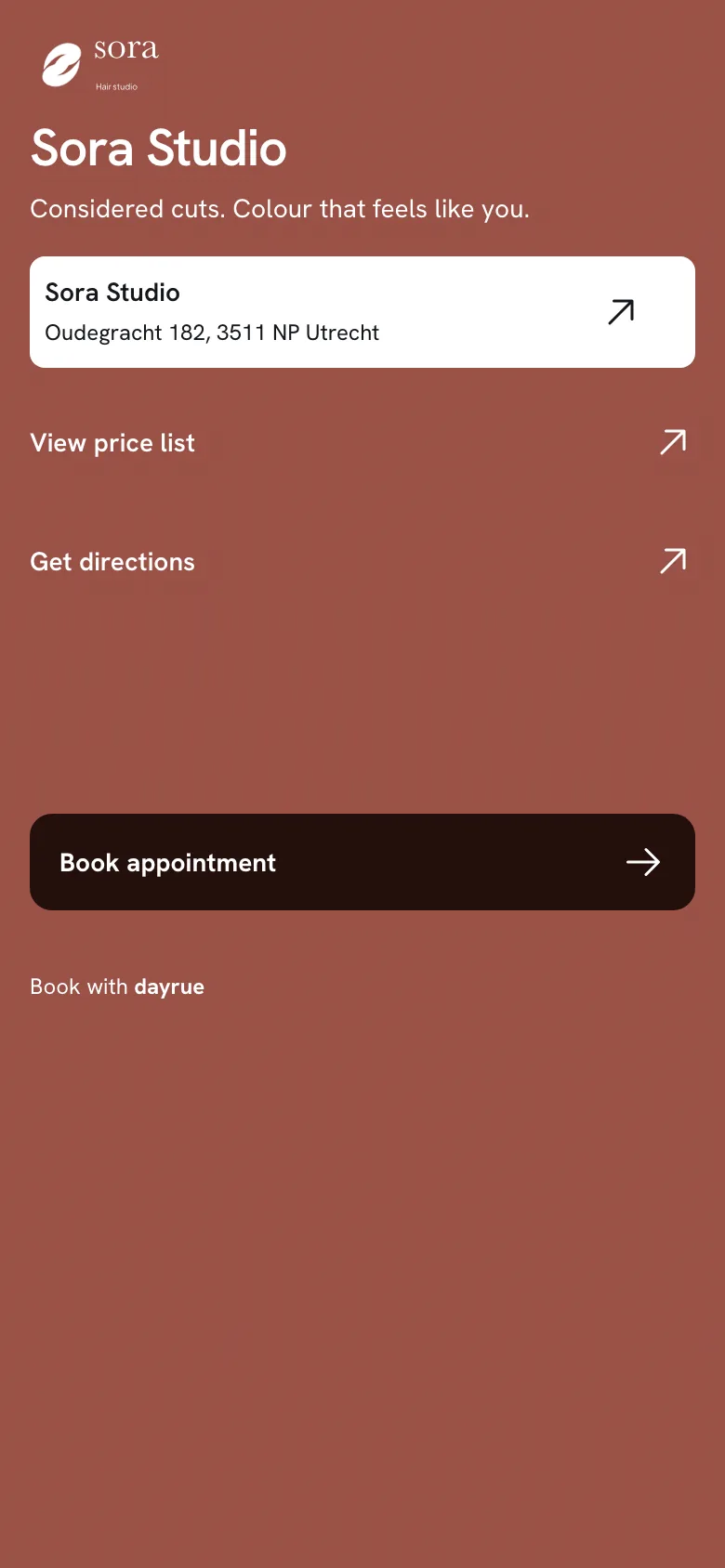
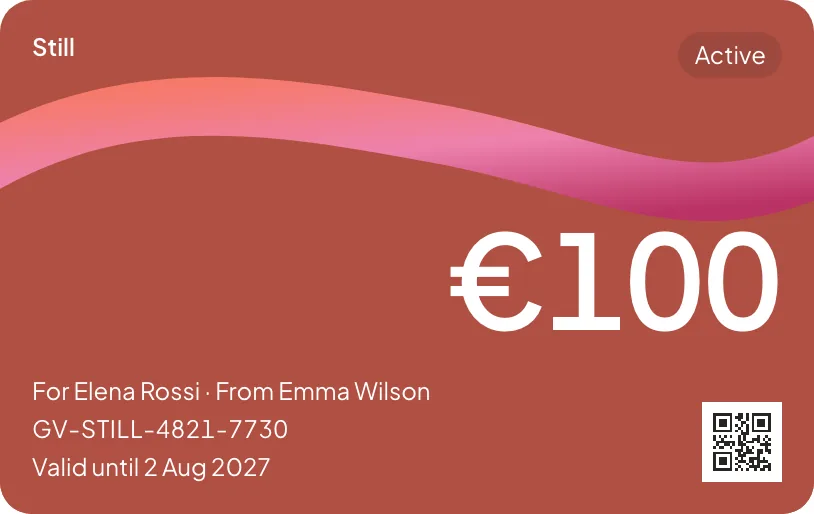
Let customers choose a service and an available time, on their phone or computer.
Add phone bookings, check arrivals and reschedule visits from your diary.
Give staff and managers their own logins and the access they need.
Send booking confirmations and reminders, with the visit details in one message.
Set the price and duration of each service, and organise your services into categories.
Choose how much notice you need and how far ahead customers can book.
Allow set-up and clean-down time around appointments, instead of booking every minute.
Read feedback customers share after their visit, without publishing it as a public review.
No account needed. Open the link in your confirmation email to see your booking, move it or cancel it.
Find a booking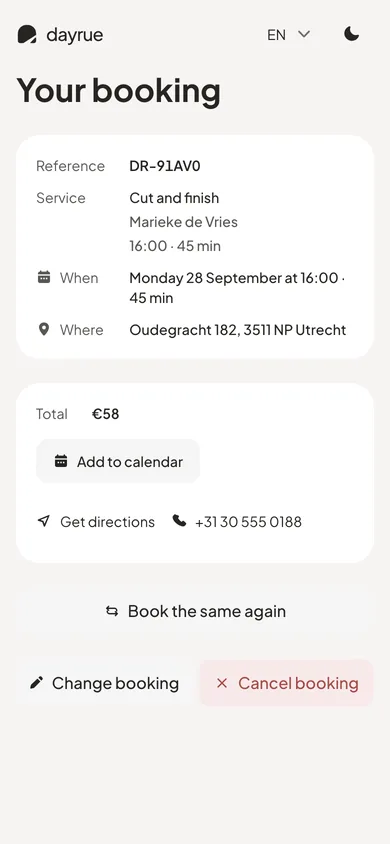
14-day trial. €0 Dayrue fee per booking. Monthly prices shown.
Bookings and overview insights for one location
€19/ month
Includes 1 team member
Link page, vouchers and detailed insights
€39/ month
Includes 1 team member
Everything in Pro across multiple locations
€79/ month
Includes 1 team member
Team members are the people in your diary. Console logins are the accounts that can sign in.
Compare plansChoose a plan and create your account. Tell us what you do, where you are and when you’re open, add your services, and your booking page is ready to share.
No. Every plan starts with a 14-day trial and no payment is taken when you sign up.
No. You pay one monthly price for your plan, and there’s no Dayrue fee on your bookings.
Yes. Add a booking button to your existing website, share your booking page as a link, or put a Link page in your Instagram or TikTok bio.
Yes. Staff see their own diary, and managers can see the whole team. Each plan includes one team member, and you can add more for a small monthly fee.
Yes. Pro covers up to three locations and Business up to ten, all from one account.
Yes. Clients get a confirmation email as soon as they book, and a reminder before their visit. You don’t need to send anything yourself.
No. Choose a time, add your name and email, and you’re booked.
Use the link in your confirmation email. Or open the business’s booking page, choose “Find my booking” and enter the email you booked with. We’ll send you a link.
Yes. Open the link in your booking email to pick a new time or cancel. If it’s too close to your visit to change online, contact the business directly.
Yes, if the business offers it. You’ll see the team members available for your service when you book.
Contact the business you booked with. They manage their own diary, prices and rules.